Search everything you've ever run
One full-text index over the message bodies of every agent on every machine you've paired — not just titles. Jump straight to the matched message in the thread it came from, months later.
Codex Claude Cursor opencode
One home for every agent running on your own machines. Watch them work from your phone, lend a teammate a single project, and give any of them everything the others already learned.
One command on the machine your agents run on. It works out what that machine is, then sets it up. That's the whole setup.
Let a colleague read the threads for one repo — and nothing else. The owner decides what and for how long, and the answer is always read-only.
Every coding agent starts each session with amnesia. It can't see what you tried in a different tool yesterday, which approach you already rejected, or what you flagged as important. Pounce already reads all four, so it's the one thing that can answer"what did Codex try on this bug yesterday?" — and it hands that to any MCP client.
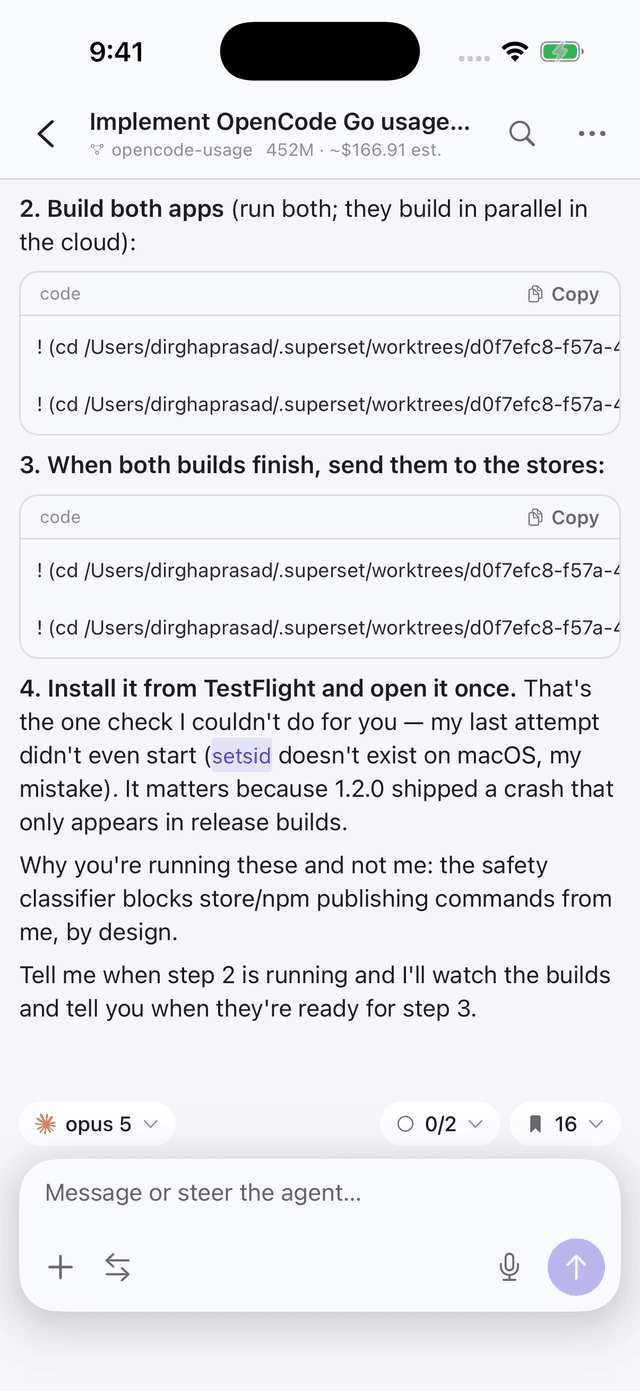
Agents stop and wait — for a permission, a plan approval, a question only you can answer. Pounce puts that on your phone the moment it happens, and lets you answer it there.
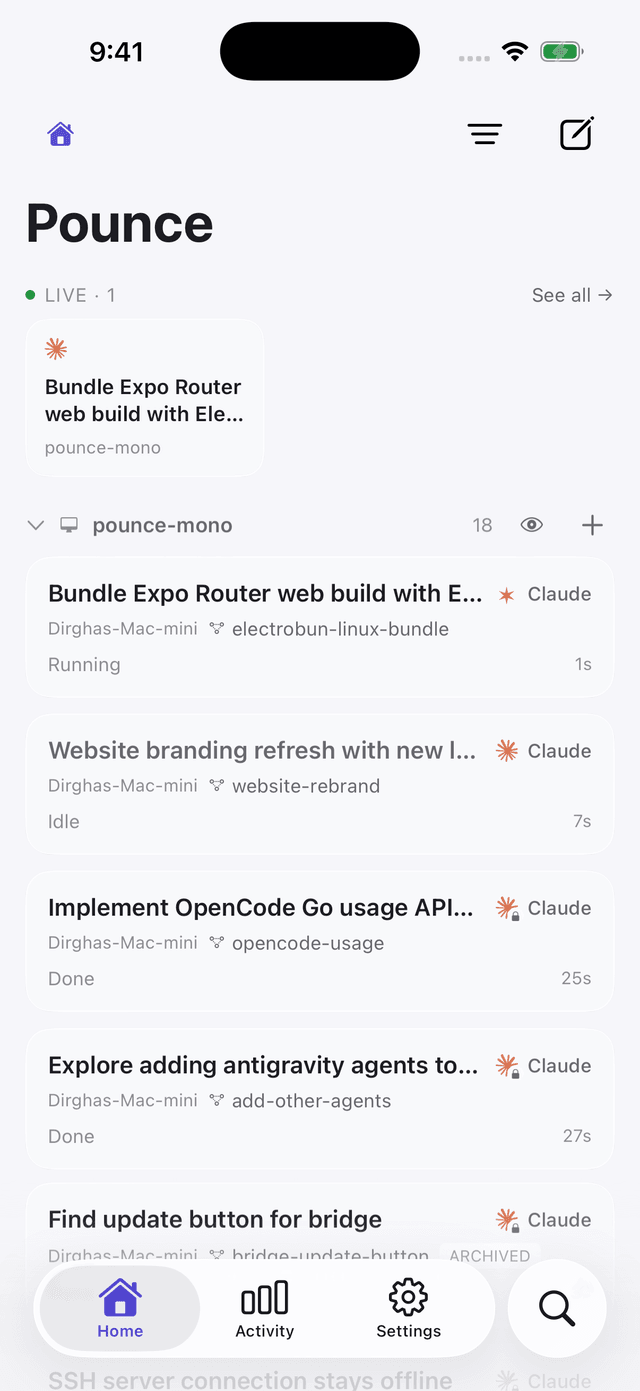
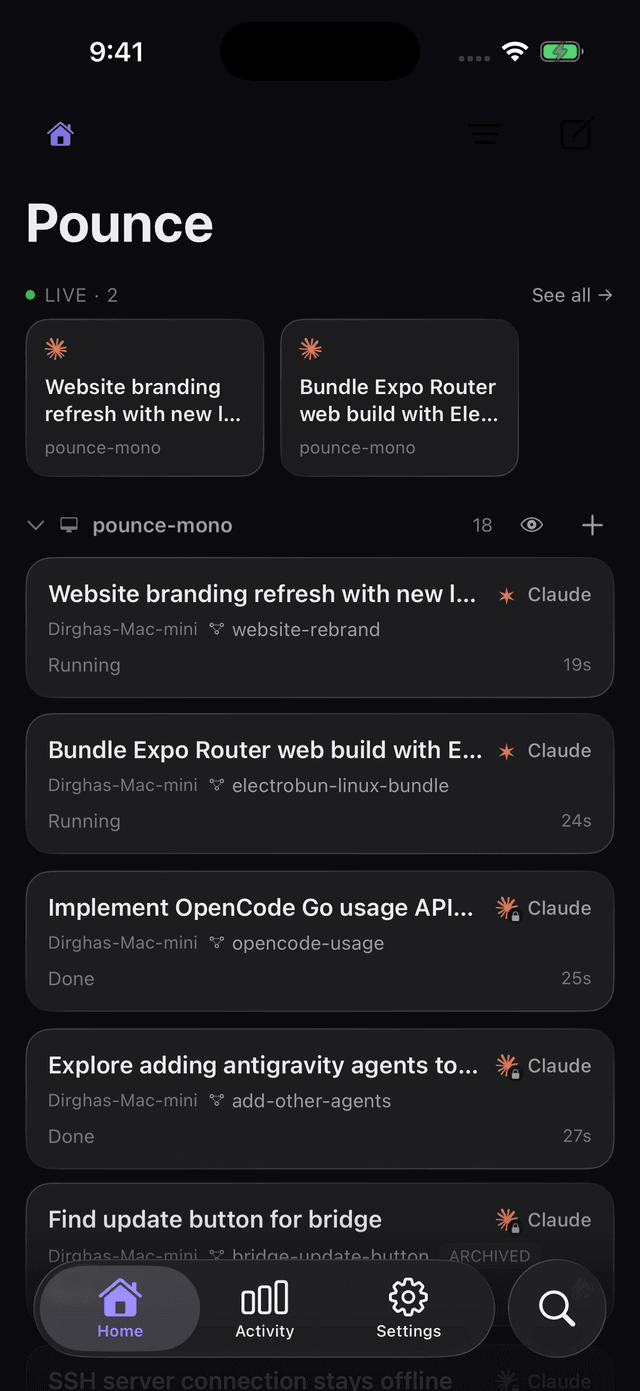
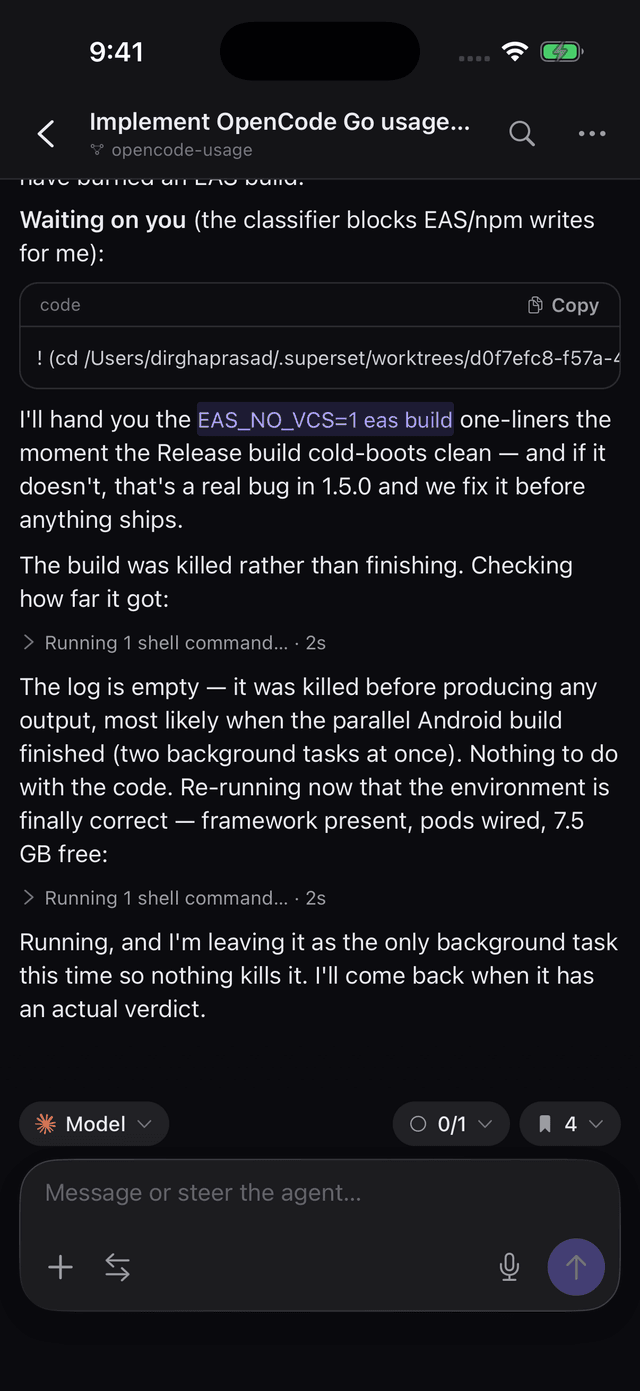
Reasoning, tool calls, file edits, the running token count and the live cost estimate — streaming as it happens. Queue a follow-up and it sends the moment the turn ends.
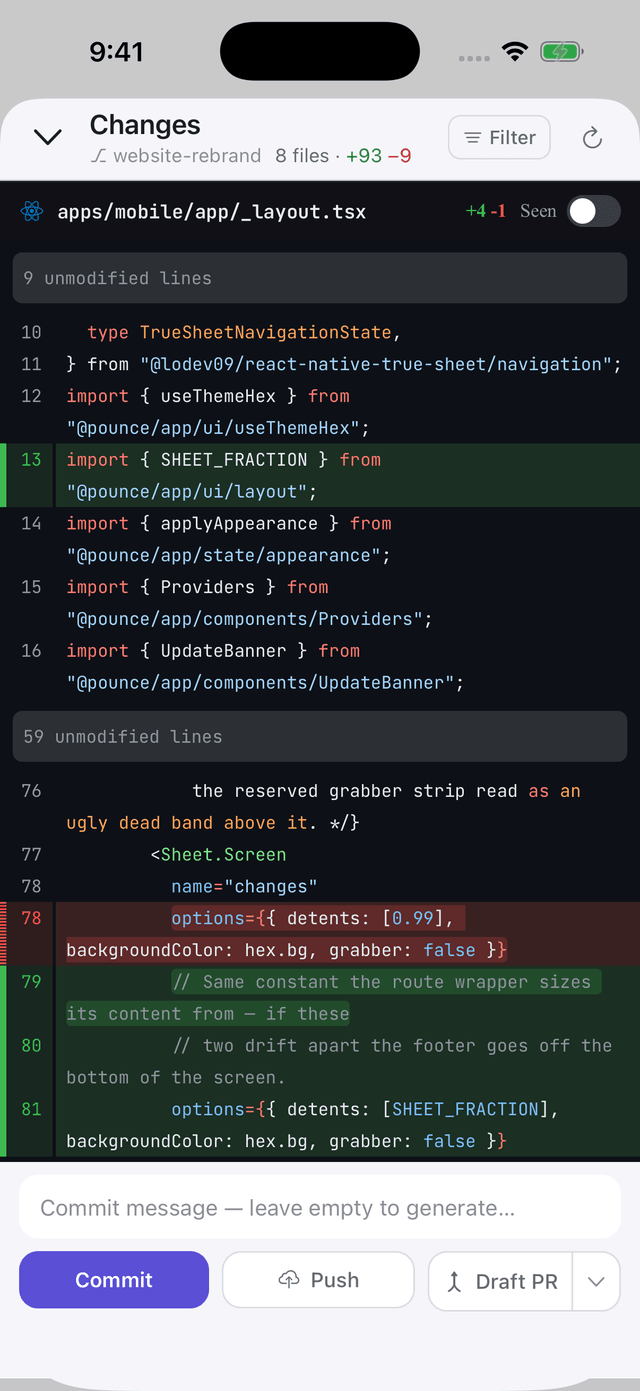
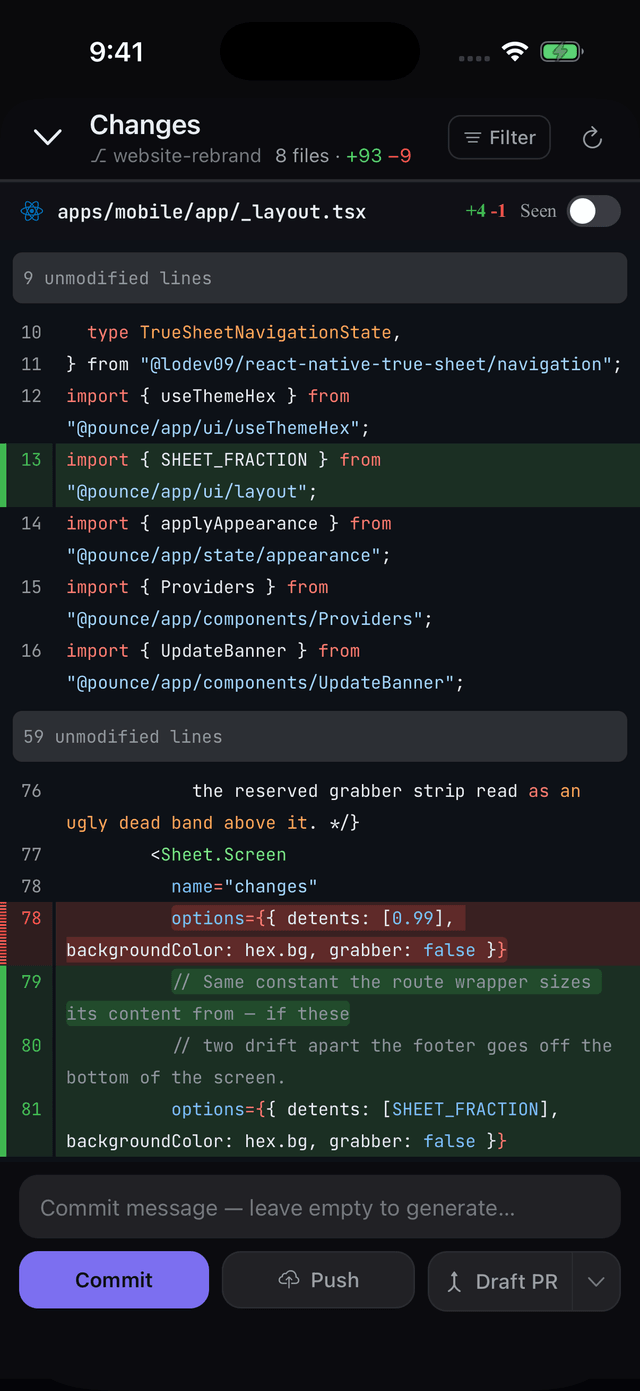
Proper syntax-highlighted diffs per file, marked seen as you go. Then commit, push, or open a draft PR without touching your machine.
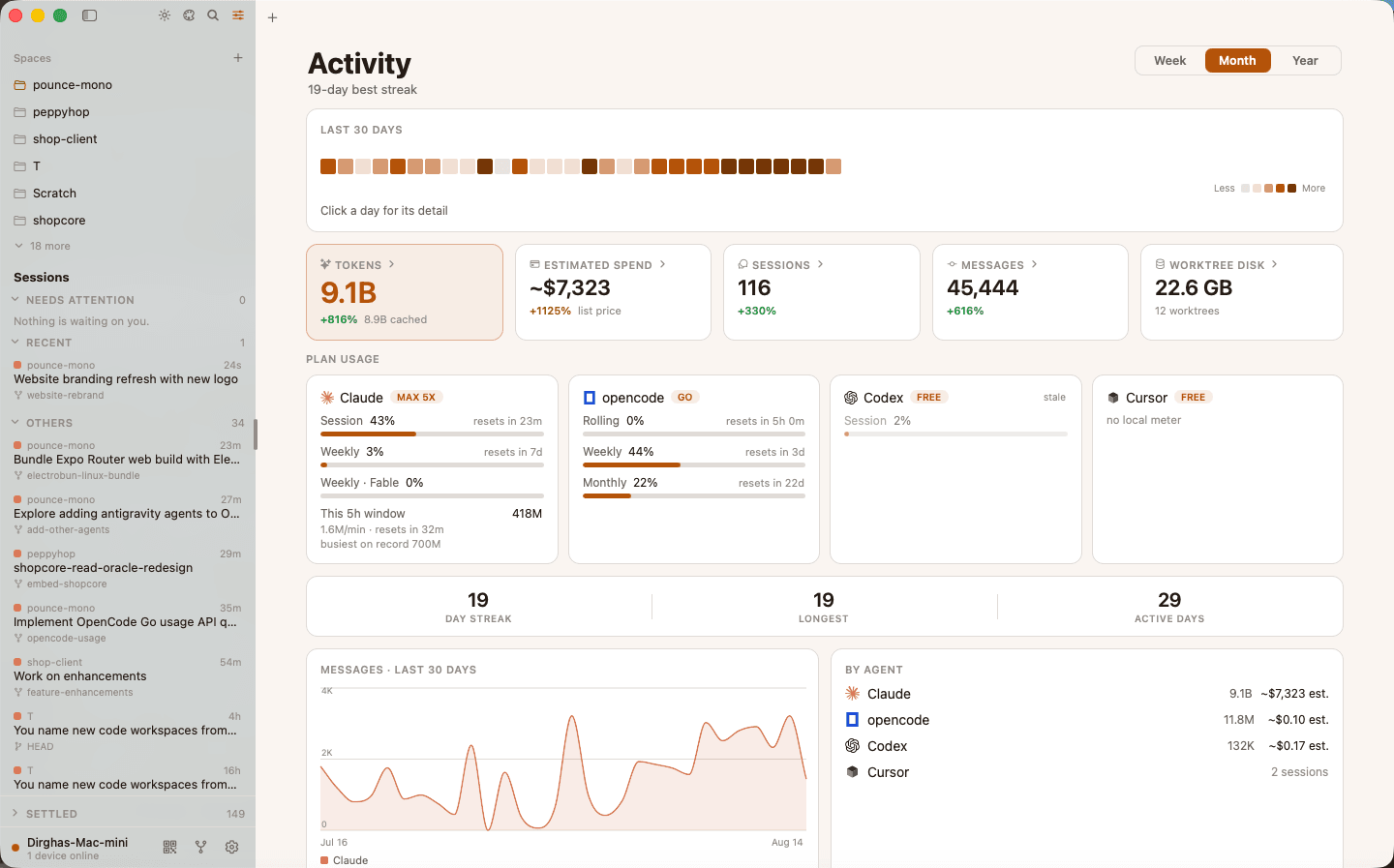
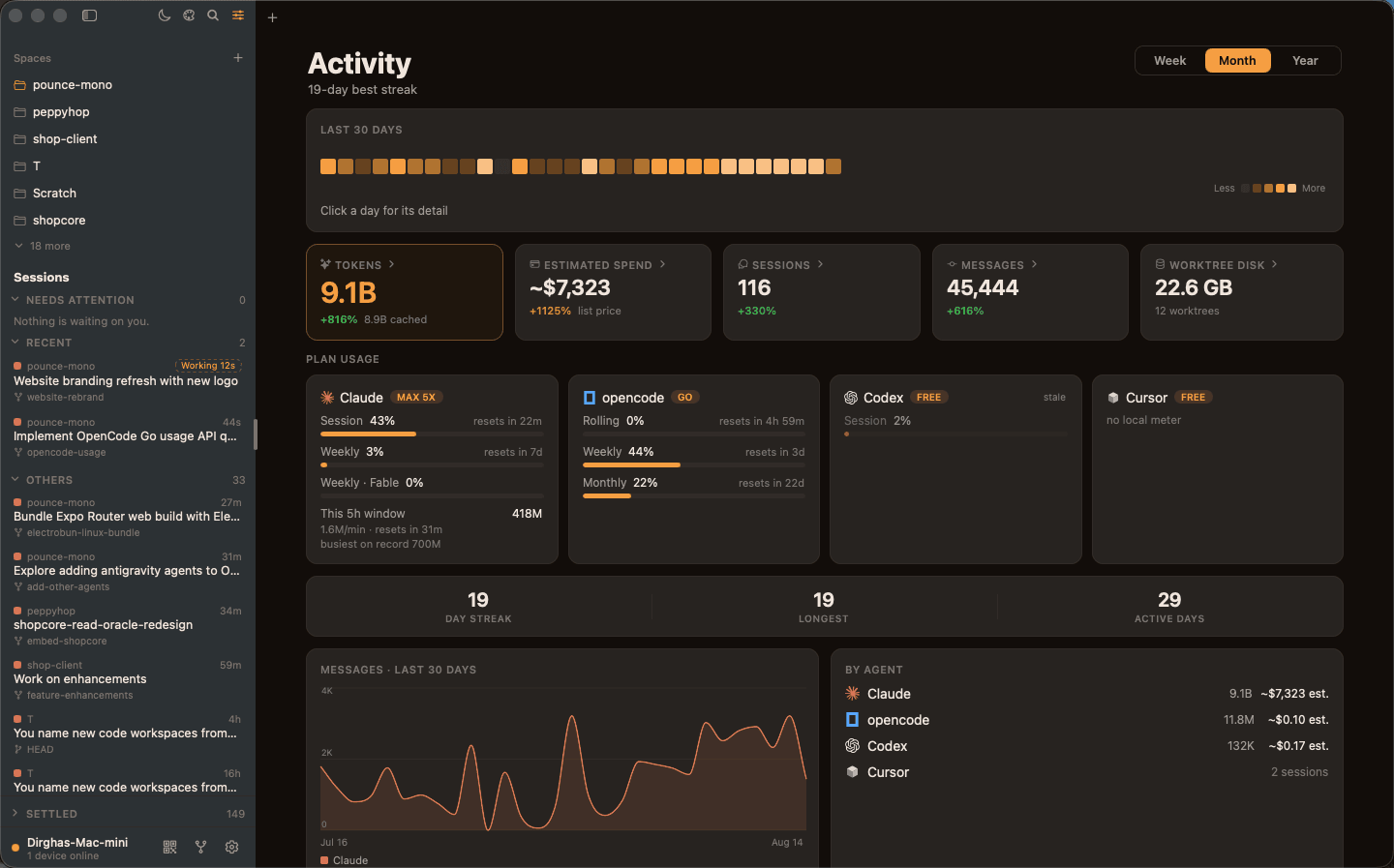
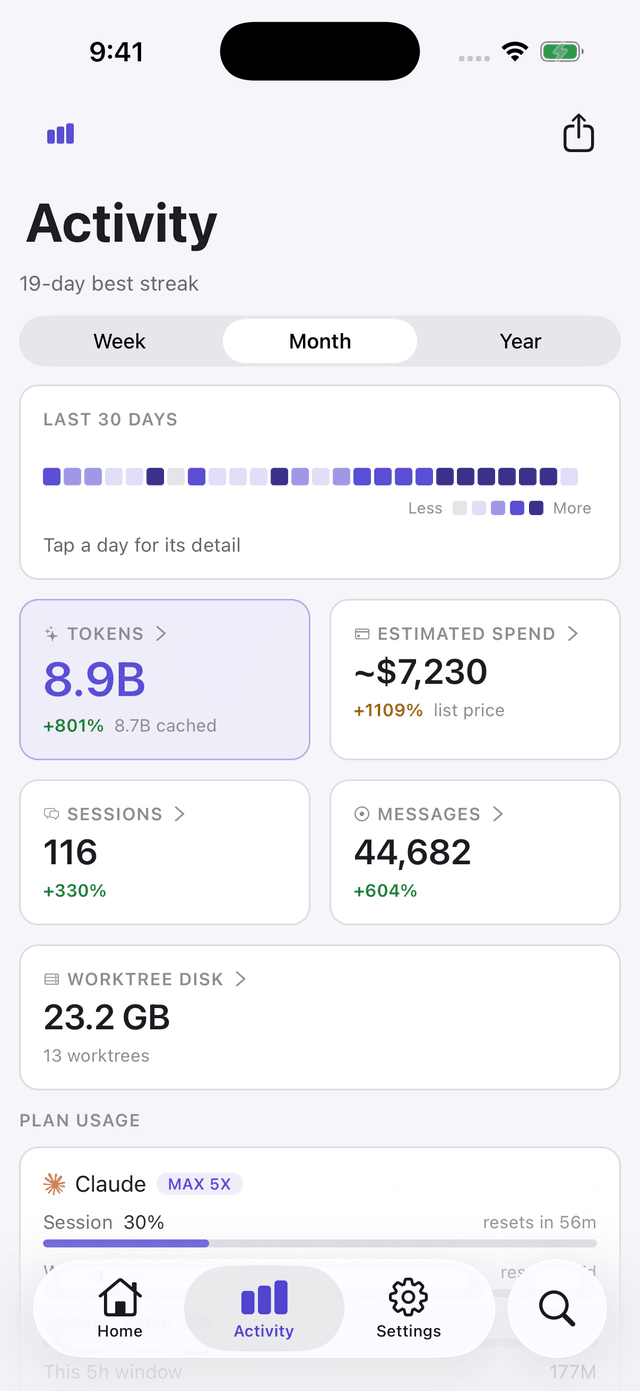
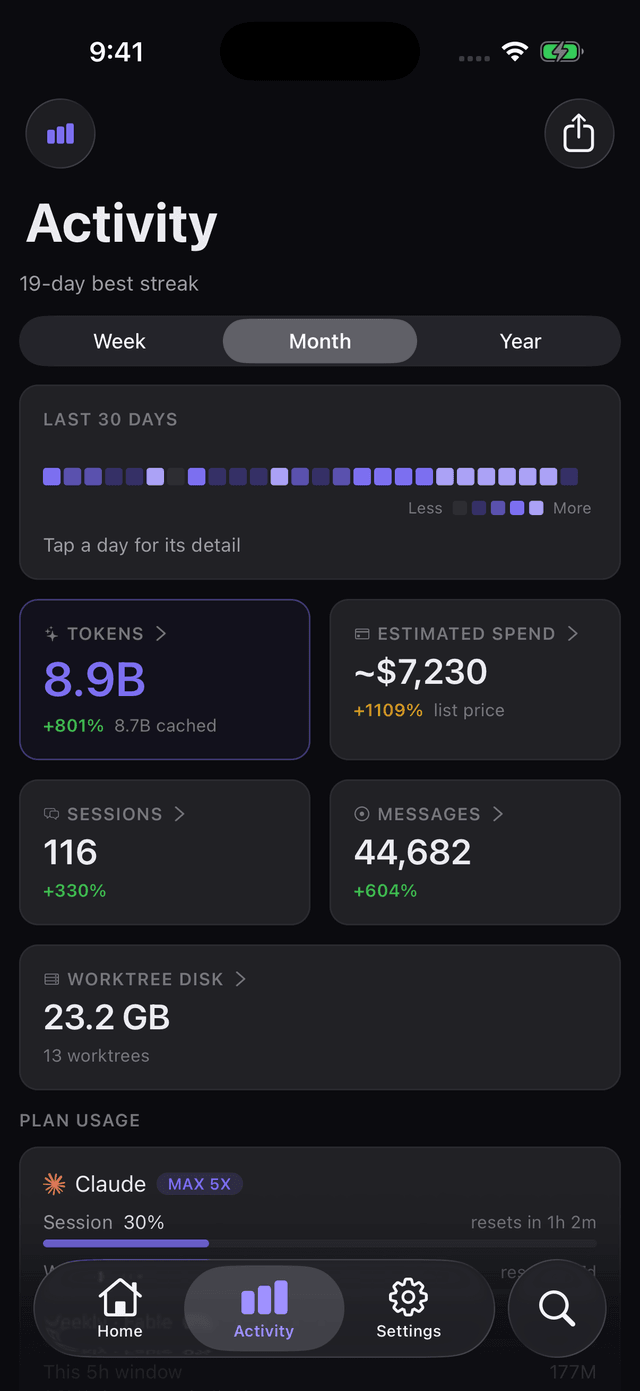
Tokens, estimated spend, sessions and messages over any window — plus how close each subscription is to its next reset, side by side.
The phone is the remote. The Mac app is the command centre — and it hosts the bridge itself, so there is nothing else to install. Windows and Linux run the same thing from the tray.
Group projects the way you actually think about them, across every machine you've paired.
Needs attention, running, recent, settled — so a blocked turn can't sit unnoticed for an hour.
Review changes beside the transcript instead of over it, then commit, push or open a PR.
Markdown, code and math rendered natively — long threads scroll like an app, not a web page.
Not just a token count. Where the money went, which plan is about to throttle you, and how much disk a year of agent worktrees has quietly eaten.
Figures from one real machine on 14 Aug 2026 — this is a screenshot of the dashboard, not a mock-up.
One full-text index over the message bodies of every agent on every machine you've paired — not just titles. Jump straight to the matched message in the thread it came from, months later.
No Tailscale, no ngrok, no port forwarding, no VPN. The tunnel is built in and turns itself on — your phone reaches your machine on hotel wifi and cellular exactly as it does at home.
Run one command over SSH and that box joins the fleet like any other — its own credential, its own tunnel, and Pounce tells you which machines are running an old build.
The app is the remote. The bridge runs on the computer your agents live on and hosts them. Install both, scan one QR code, done.
The full remote — live sessions, voice, diffs and shipping.
Live on the App StoreThe same remote — live sessions, voice, diffs and shipping.
Live on Google PlayThe desktop app, with the bridge built in. Signed and notarized, macOS 14+ on Apple Silicon.
Download for Mac44.3 MBThe same desktop app, with the bridge built in. Installer for 64-bit Windows.
Download for Windows40.4 MBThe same desktop app. .deb for Ubuntu and Debian; a self-installing tarball for everything else.
Download for Linux.deb · 41.0 MBLatest release 1.5.1 — the same version on every platform. Prefer the terminal? npx use-pounce configure sets up any machine — including one you only reach over SSH.All releases.
Pounce never proxies your code through a server we own — the app talks to your computer, and that's it. The whole thing is on GitHub: the app, the bridge, the tunnel and this website.