set up in about two minutes

Pounce is a remote for the agents you already run.

Nothing runs in our cloud. Install Pounce on the computer where Claude Code, Codex, Cursor or opencode already live, scan one QR code with your phone, and the two are paired.

No account · no Pounce server in the middle · your code and conversations stay on your own devices

A computer

Mac, Windows or Linux — wherever your coding agents actually run.

The Pounce app

On iPhone, live on the App Store. Android is in testing on Google Play.

A network path

Same wifi just works. Away from home, the built-in tunnel handles it.

1

Install it on the computer your agents run on

On a Mac, the Pounce desktop app. On Windows or Linux, the bridge bundle. Either one picks up the coding agents already running on that machine — no terminal, no config files.

Terminal person? npx use-pounce does the same in one line, and works over SSH — so you can pair a server you never sit in front of.
2

A pairing code appears

It shows a QR code and the address it's listening on. That code carries the machine's address and a private, per-machine token, so only your phone can connect to it.

The token never leaves your devices. Pair once and Pounce remembers the machine, reaching it over its own tunnel when you're away.

3

Scan it with your phone

Open Pounce, tap Sync a device, and point the camera at the code. That is the whole setup — no addresses to type, no tokens to copy.

The built-in Camera app works too — it opens Pounce straight to the pairing screen.

4

You're connected

That machine's sessions sync instantly. Every agent, on every computer you've paired, lands in one list — with whatever is waiting on you at the top.

Pair as many machines as you like. They share one list; filter by device, agent, project or branch.

once you're paired

Run the whole loop from your phone

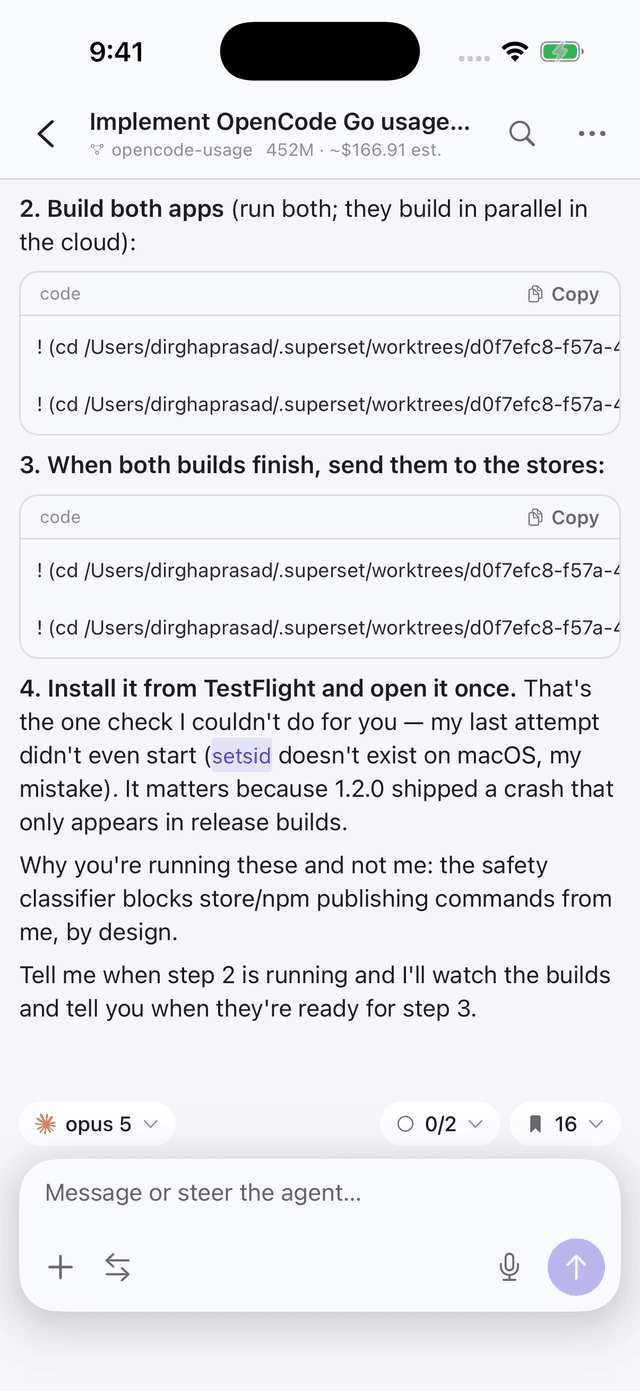
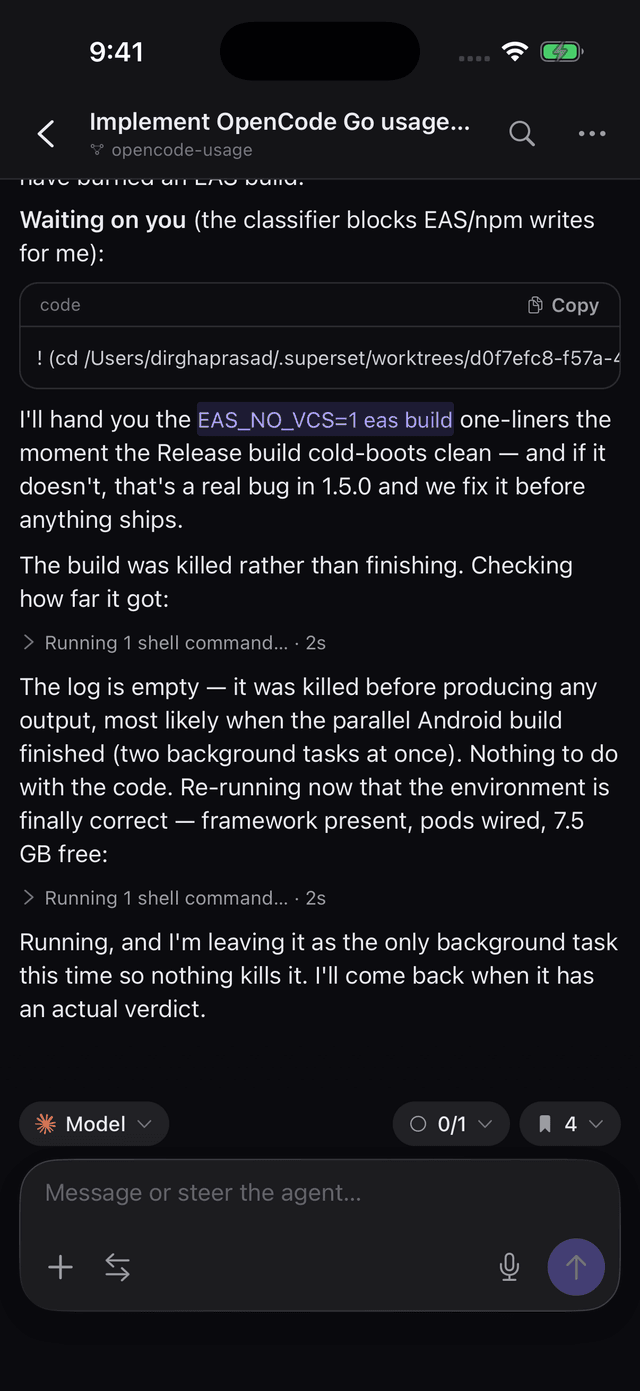
Watch agents work live, answer what they're stuck on, review the diff, and ship — without going back to your desk.

A live agent session streaming reasoning and tool callsA live agent session streaming reasoning and tool calls
Watch it work. Reasoning and tools, live.
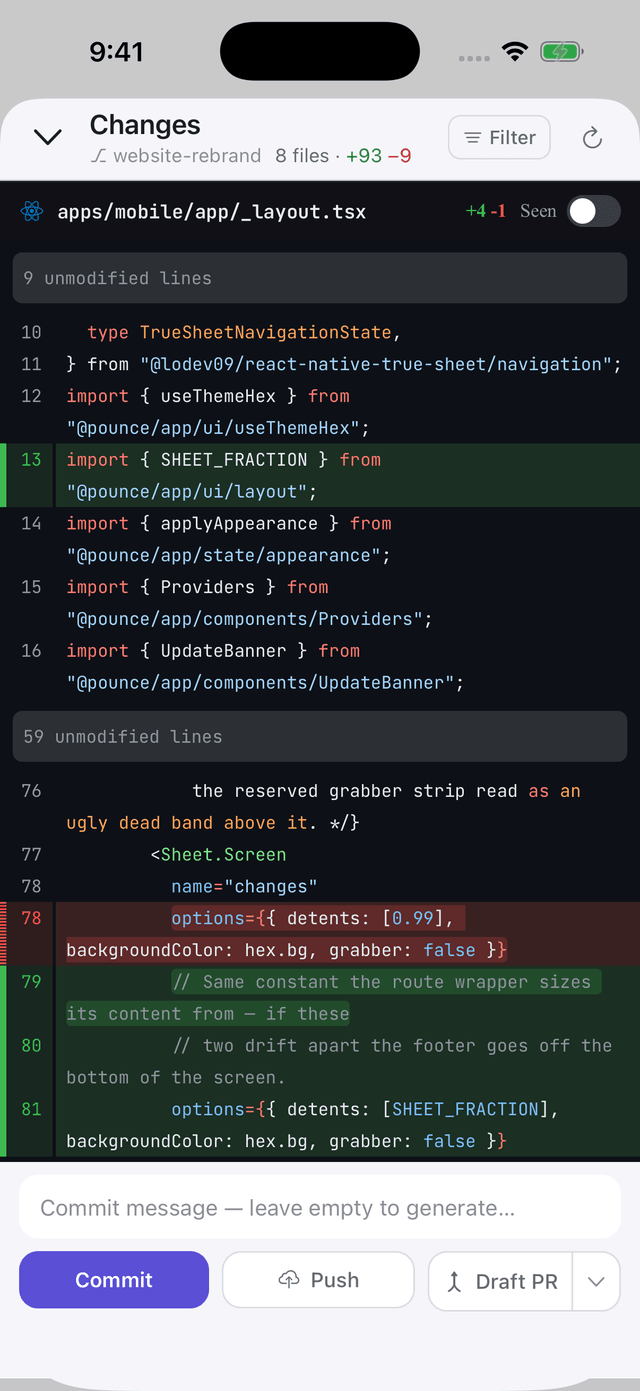
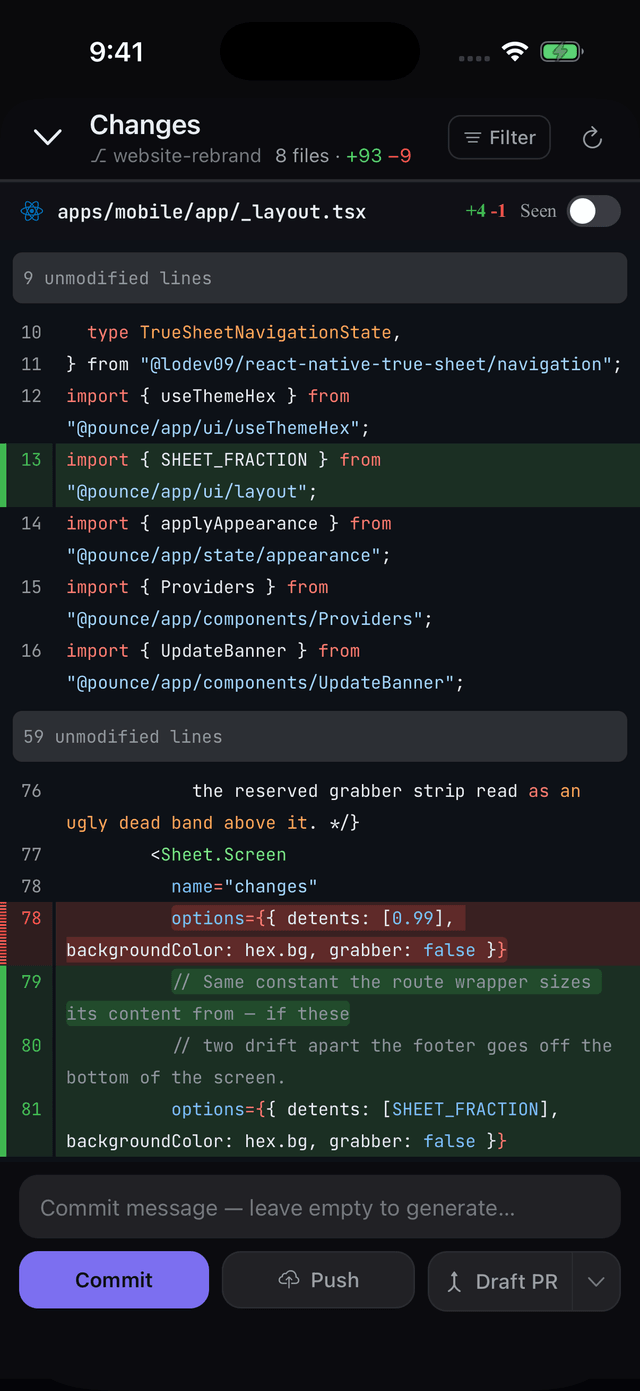
Reviewing a diff and shipping from the phoneReviewing a diff and shipping from the phone
Review and ship. Commit, push, open a PR.
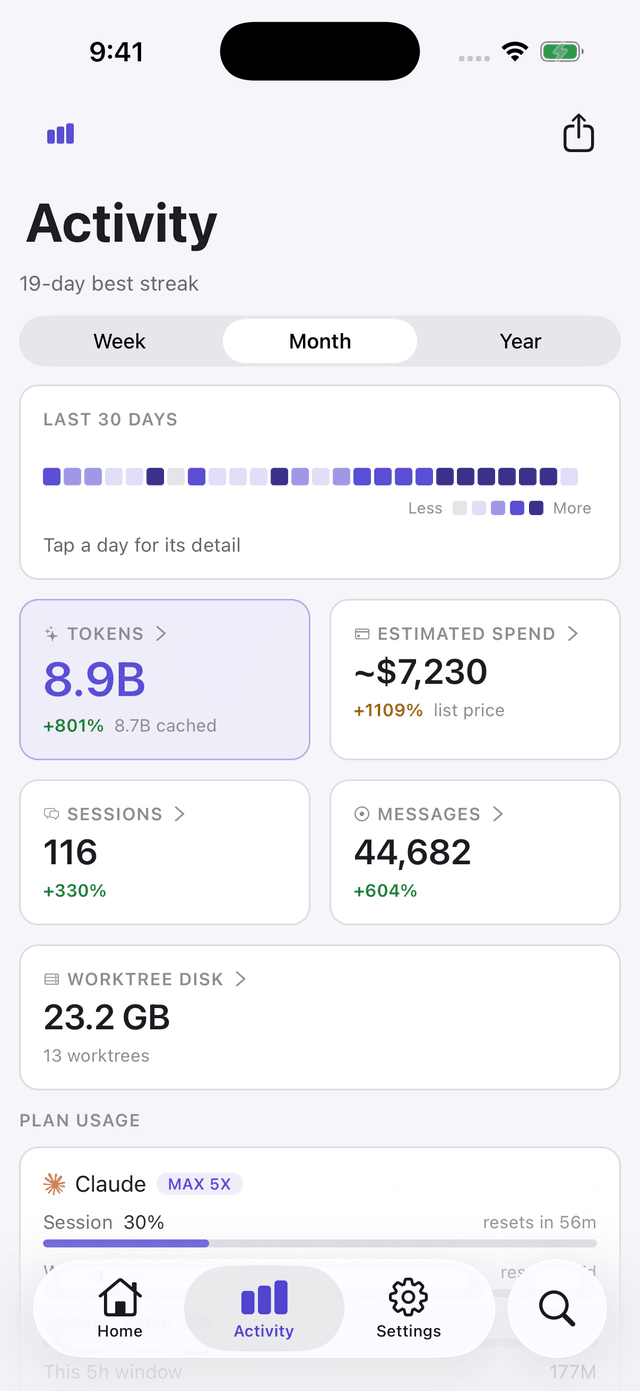
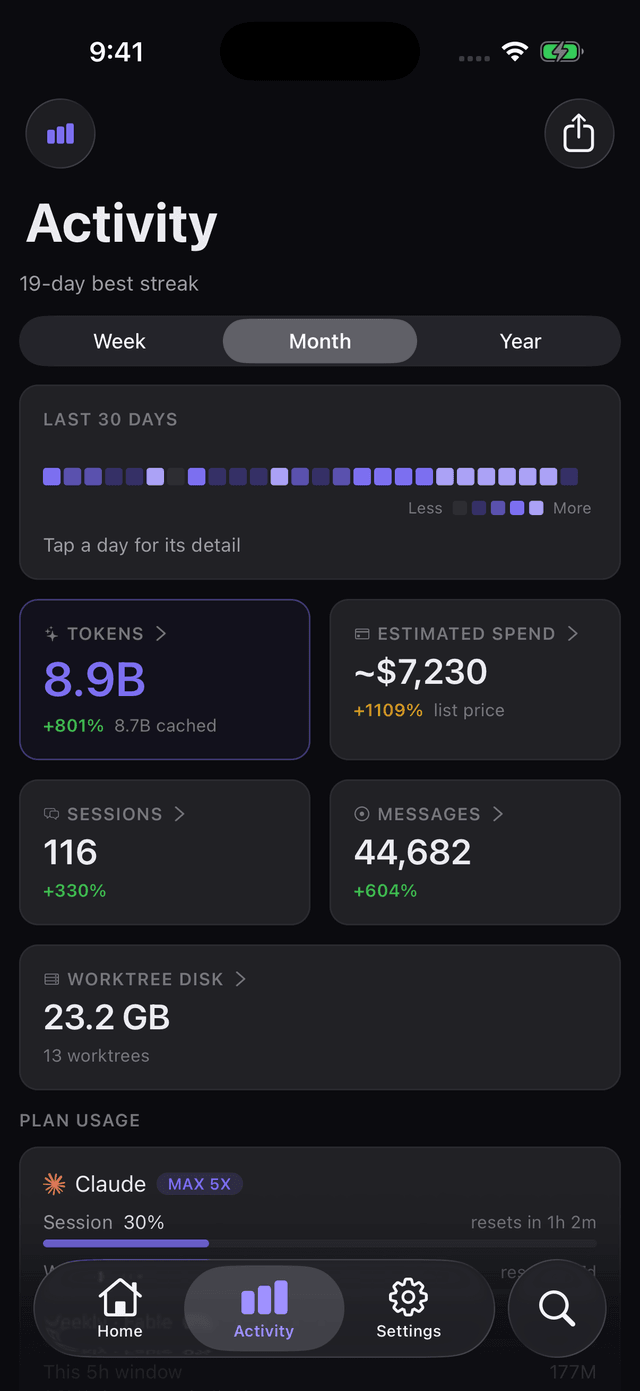
Token, spend and plan usage across every agentToken, spend and plan usage across every agent
Watch the meter. Tokens, spend, plan limits.
where your data goes

A direct line to your own machine

Nothing is routed through a Pounce server. The app talks straight to the app or bridge on your computer, which talks to the agents running there.

Pounce app
your phone — the remote
The app / bridge
runs on your computer
Your agents
Claude · Codex · Cursor · opencode

No Pounce cloud. Your code, diffs and conversations never pass through us — read theprivacy policy.

good to know

Common questions

Which do I install — app, bridge, or CLI?

On a Mac, the Pounce desktop app (a signed DMG). On Windows or Linux, the headless bridge. Or run npx use-pounce in any terminal. All three do the same job: host your agents and show a pairing QR. Get them here.

What if my phone and computer are on different networks?

Nothing to configure. Pounce opens its own secure peer-to-peer tunnel — pair once with the same QR and your phone reaches your machine over the internet. No VPN, no port forwarding, no Tailscale or ngrok.

Is the connection secure?

Each machine pairs with its own private token, and off-network access uses a direct peer-to-peer identity to reach home. There is no shared cloud inbox holding your sessions.

What can I actually do from the phone?

Stream every agent live, reply or redirect, approve permission and plan prompts, review diffs, then commit, push or open a PR. The docs have the full tour.

Set it up in two minutes

Grab the iPhone app, install the desktop app or bridge on your computer, and scan once.